
Version 6.22.1 · 26.62 MB · Version history
Dual installer for both 32- and 64-bit Excel.
Excel 365 or Excel 2016 onwards, on Windows.
The installer is digitally signed by Analyse-it Software, Ltd. To confirm the publisher before you run it, right-click the file, choose Properties and open the Digital Signatures tab.
SHA-256 of Analyse-it_6_22_1.exe
38b6b4e6f192d2fb2f6019545ff8b8971d06b877f46ea089ee24be3ed1370f09
Check it in PowerShell with Get-FileHash Analyse-it_6_22_1.exe.
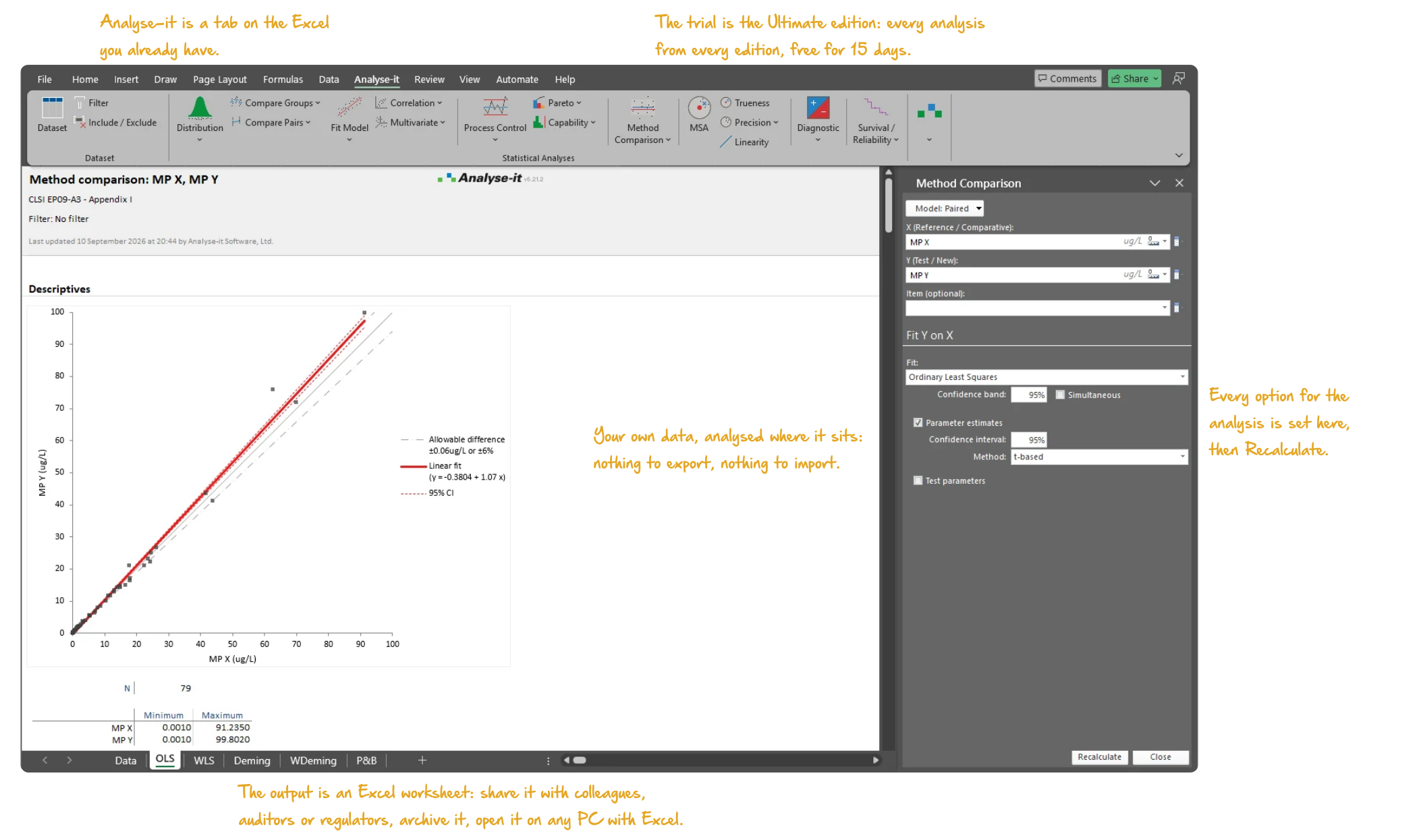
Used by 75,000 scientists at thousands of laboratories, including 8 of the top 10 IVD manufacturers.
This installer is for Windows. Analyse-it requires Microsoft Excel for Windows and is not available for macOS, because Excel for Mac does not support the COM add-ins Analyse-it uses. If you run Windows through Parallels or a virtual machine, download the installer and run it from Windows. Otherwise see Is Analyse-it available for Mac?
Analyse-it cannot be installed on a phone or tablet. Open this page on a Windows PC with Excel 365 or Excel 2016 onwards to download the trial.
Analyse-it requires Excel for Windows and does not run on Linux or ChromeOS. If you have a Windows PC or a Windows virtual machine with Excel, download the installer from there.